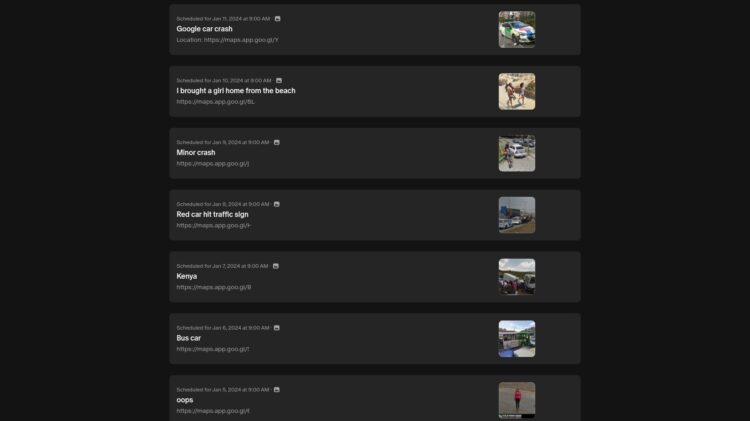
If you have an account (create here) please login and submit your images here instead of using the form below.
Guest? This form below is where you send us links to the Google Maps Street View images you’ve found.
Questions? Contact us
How to add street view sightings to streetviewfun.com
1. Find an image you’d like to share with us (doh!)
2. Copy the web address – highlighted here in yellow.
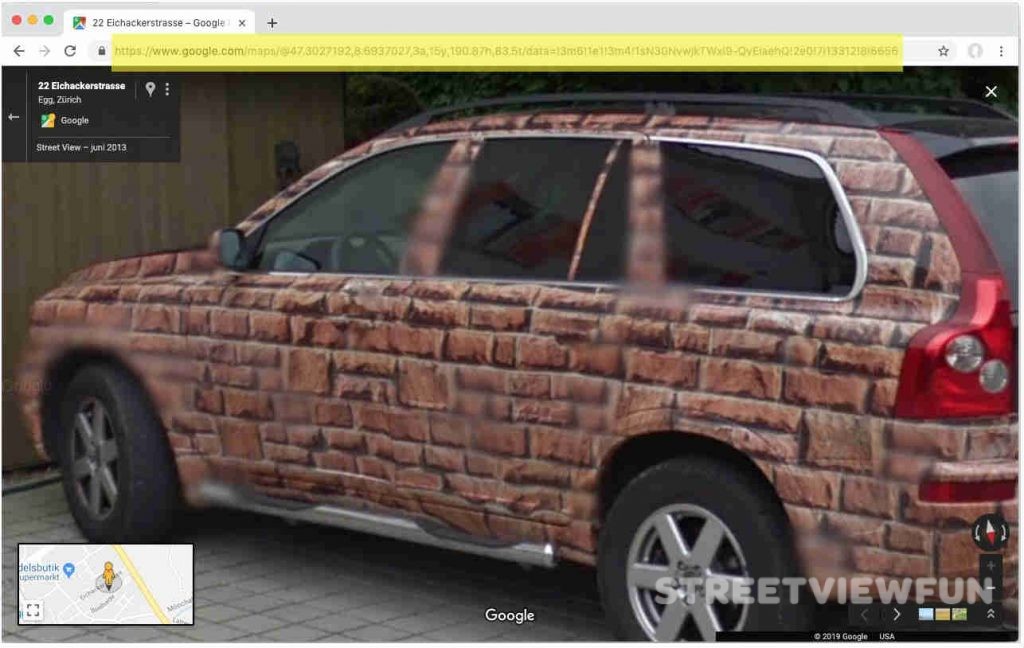
3. Paste it in the form above and send it. Or simply send the link to us at info@streetviewfun.com
How to copy and paste a web address
If you use a Mac, highlight the web adress and then push the cmd and c buttons. Then go to your email and use the cmd and v buttons to paste the link.
If you use Windows or Chrome OS, highlight the web address and then push the ctrl and c buttons. To paste it into your email use the ctrl and v buttons.
If you’d like to become a contributor
1. Create an account.
2. Login
3. Under Posts – Click on Add new
4. Enter a Title
5. Go to Google Maps: Get the “Link” to the image as described above (see images). Then select the link webaddress (url) in the box and copy it (ctrl c).
6. Back at StreetViewFun.com: Paste it (ctrl v) in the box below the Title.
7. Push the blue button to post it so we can review it.
We’ll take a look at your post, add code so it displays the image and then publish it. Thank you!
Top 100 contributors get listed in the sidebar of the Street View Top 100.
Thank you!