How to send us Street View images from the new Google Maps

StreetViewFun.com · Reply

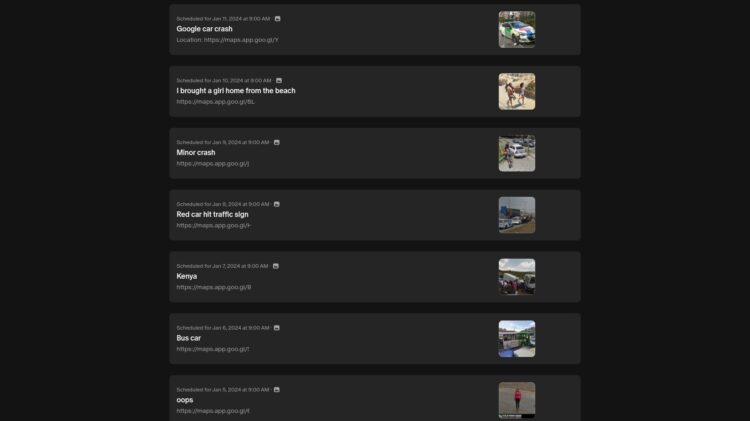
Some time ago Google Maps got a new look. Gone are among other things a simple way to share a Street View image with us. So, here’s what you can do instead.

1. Find an image you’d like to share with us (doh!)

2. Copy the web address – underlined here in red.
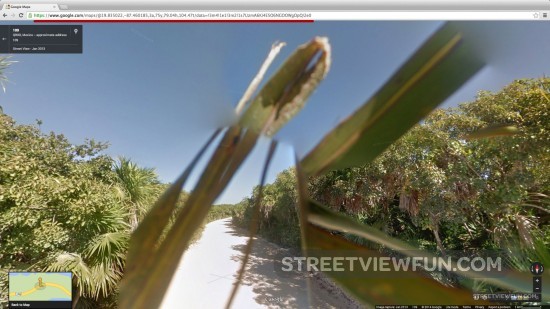
send-us-street-view-images

3. Paste it in an email and send it to us at

How to copy and paste a web address
If you use a Mac, highlight the web adress and then push the cmd and c buttons. Open your email and use the cmd and v buttons to paste the link.

If you use Windows or Chrome OS, highlight the web address and then push the ctrl and c buttons. To paste it into your email use the ctrl and v buttons.

Would you like to become a contributor?
If you’d like to become a contributor with your own username and a chance to get listed in our Top 100 Contributors list please see the bottom of our Submit page for more info.
Please wait...

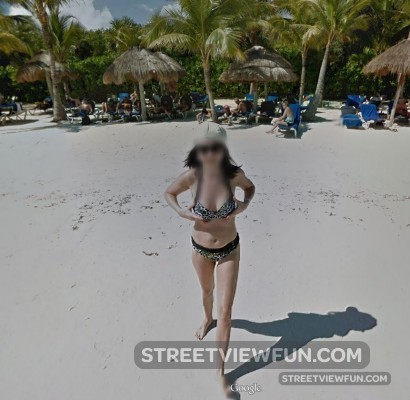
Making sure they look good…..

Mexico · Reply

making-sure-they-look-good
Larger

Please wait...

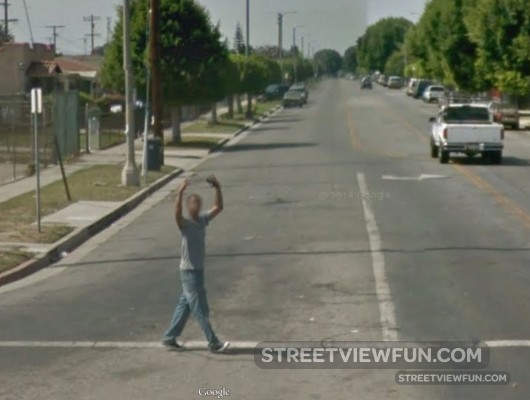
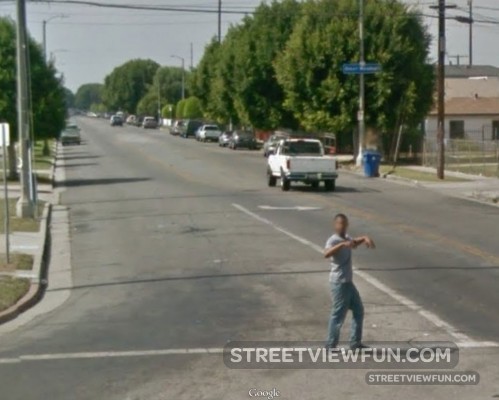
Gymnastics under way

USA · Reply

gymnastics1

gymnastics2

gymnastics3
Larger

Please wait...

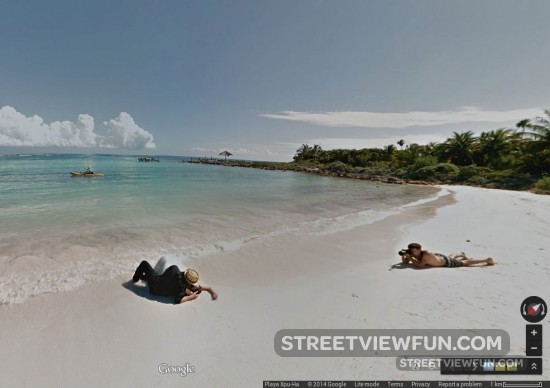
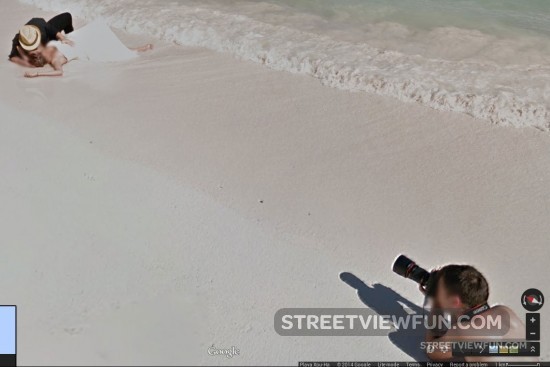
Photo shoot in the waves

Mexico Photography · Reply

photoshoot-beach2

photoshoot-beach
Larger

Please wait...

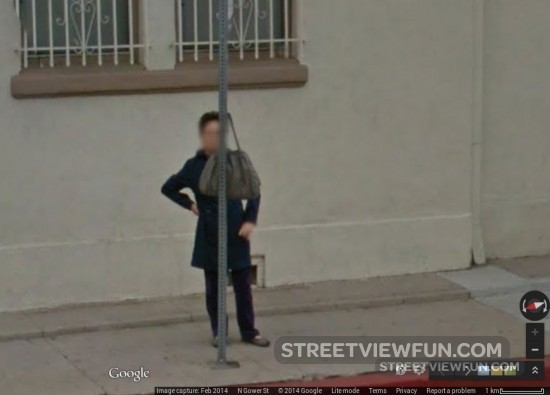
Bag on a column

USA · Reply

handy
Larger

Please wait...

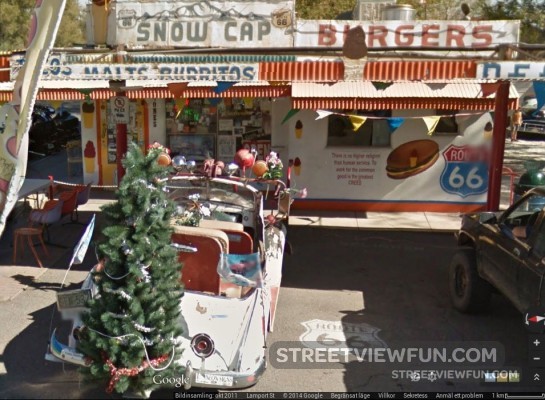
Christmas Car

Cars Funny signs USA · Reply

christmas-car
Larger

Please wait...

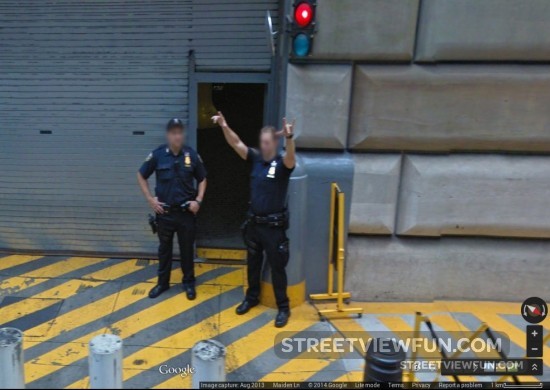
Guarding half a trillion dollars at the Federal Reserve Bank

USA · Reply

guarding-federal-reserve-bank
Larger
(thanks Dan)

Please wait...

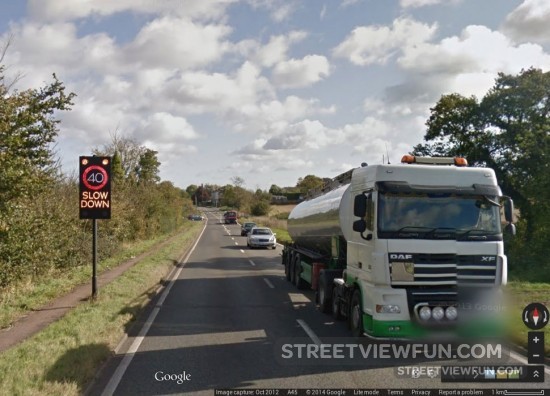
Google cam caught Street View driver speeding

Google crew, car etc Guilty? UK · Reply

slow-down-google
Larger

Please wait...

Travelling in Colombia

Cars Colombia · Reply

travel-colombia
Larger

Please wait...

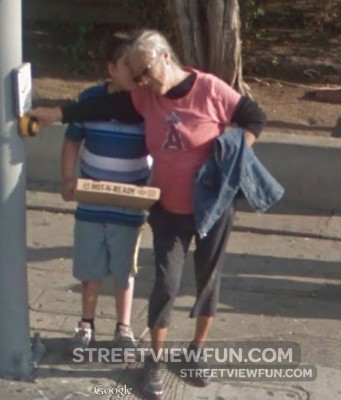
“Hot-n-Ready”

USA · Reply

hot-n-ready
Larger

Please wait...